How To Log In To JerkHub


EXPERIENCE RAW, UNFILTERED LIVE ACTION NOW AT JERKHUB.COM – ANYTIME, ANYWHERE!
How to Log In to JerkHub
If you are searching for the JerkHub login page, this tutorial will show you exactly how to do it without any confusion. Below, you will find a step-by-step guide on how to sign up, and login to JerkHub, reset your password, and troubleshoot common JerkHub login issues. The aim is simple: assist you in safely logging in and getting back in if you encounter any issues.
How to Sign Up for JerkHub (If You Don’t Have an Account)
If you are unable to log in to JerkHub because you don’t have an account, you must first register for one.
Creating a New JerkHub Account
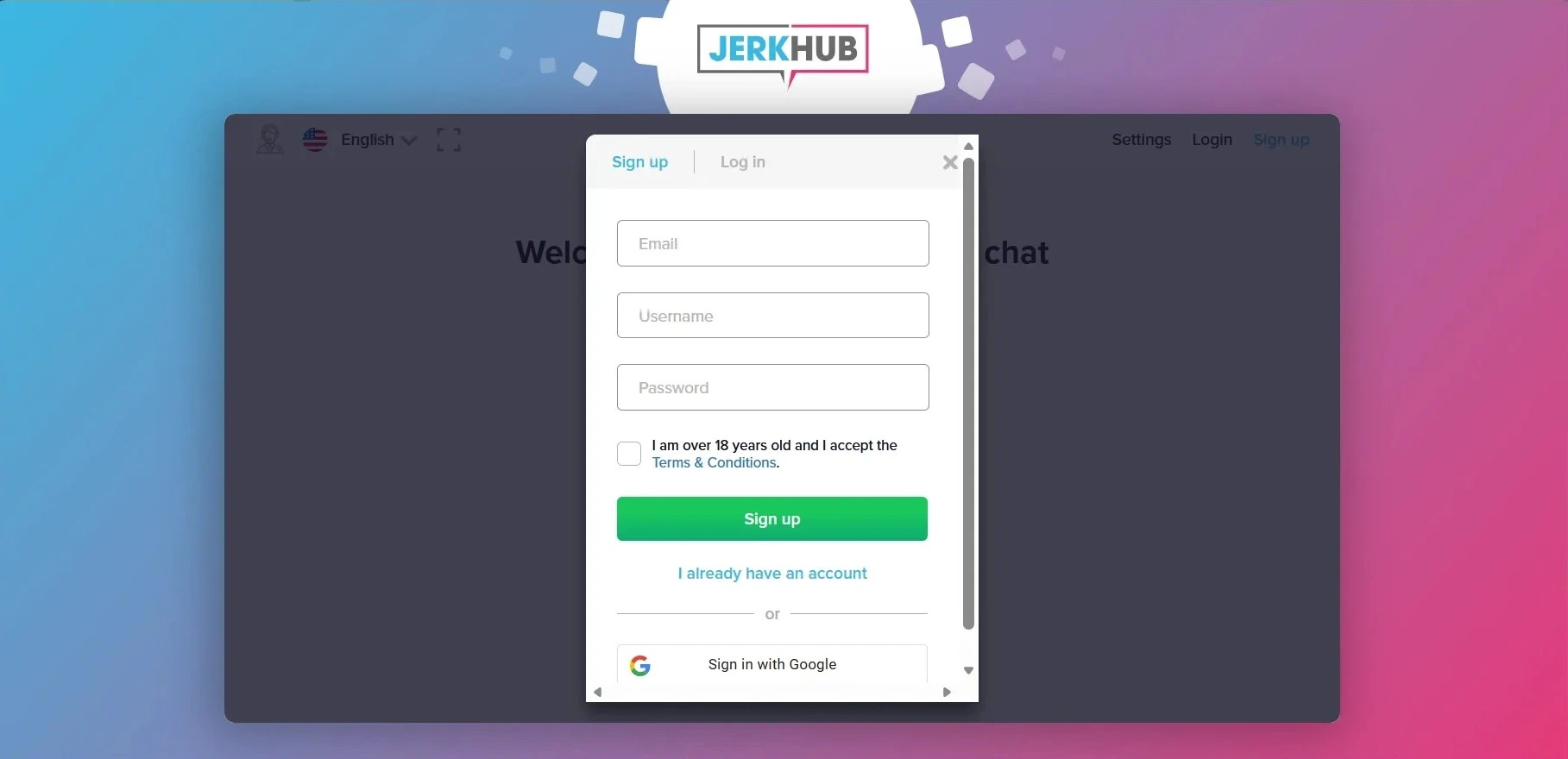
To finish the JerkHub sign up process:
- Visit the official website.
- Click the “Sign up” button.
- Enter your email address.
- Choose a username.
- Select a strong password.
- Check the box to confirm that your age is above 18.
- Click the submit button for the registration form.
Remember to use a valid email address. You will need it for account recovery and verification.
You can also create an account using Google by selecting “Sign in with Google” on the registration page. After completing the process, you will receive a confirmation email along with an automatically generated password. Follow the link to verify your email and access it.
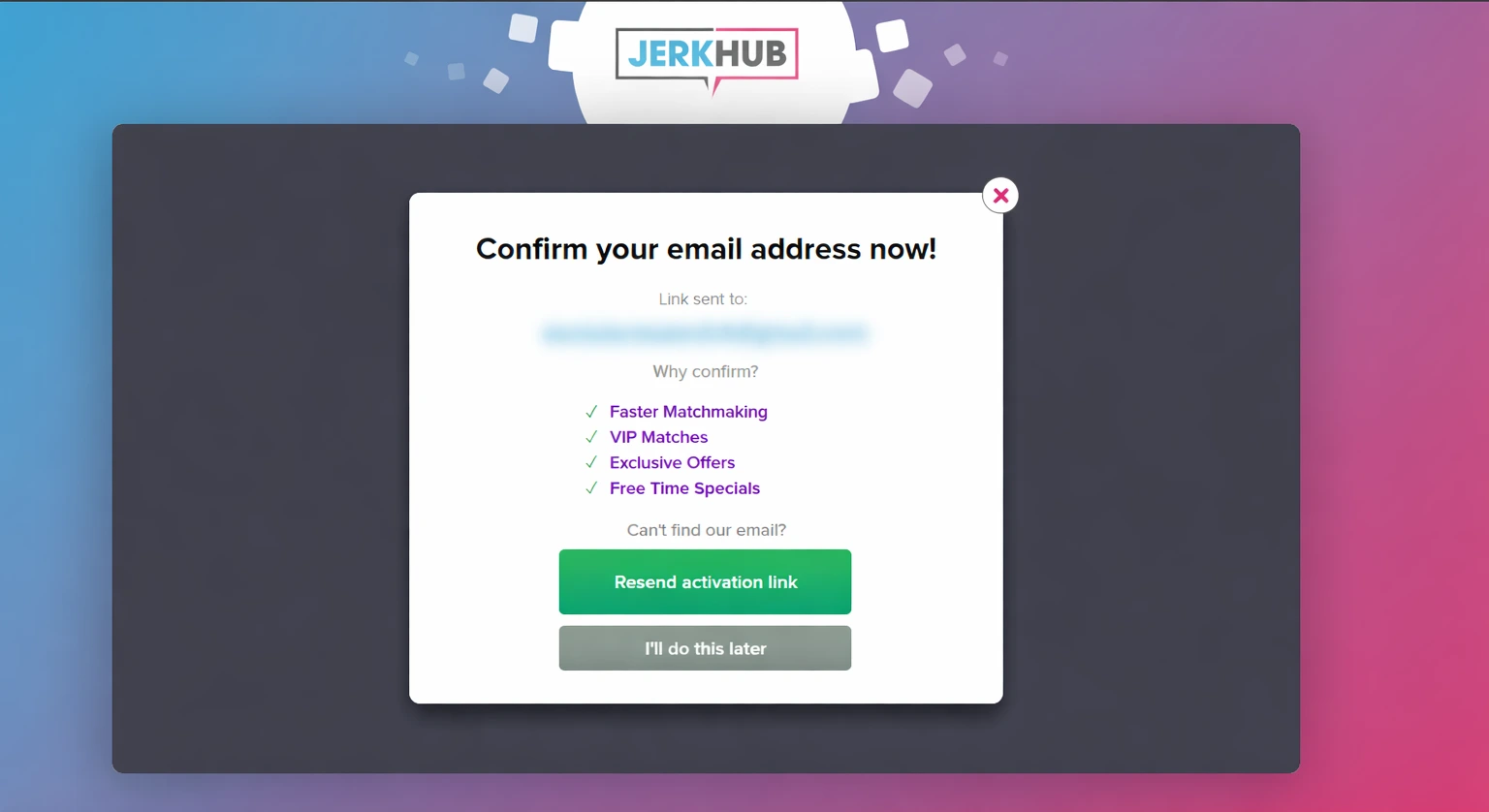
Email Verification Process
After registration:
- Check your email inbox.
- Open the email sent by JerkHub.
- Click the verification link inside the email.
If you don’t find the email:
- Check your spam or junk folder.
- Request a new verification email from the login page.
Email verification is required before you can access your account fully.
JerkHub Login
How to Access the JerkHub Login Page
To start the JerkHub login process, follow these steps:
- Launch your favorite web browser.
- Type in the official JerkHub website URL.
- Hit Enter to access the home page.
- Find the “Login” button at the top right corner.
- Click on it to access the JerkHub login page.
Remember to always verify that you are on the right webpage before submitting your login information. Check the URL and ensure that the connection is secure (https).
Entering Your Username and Password
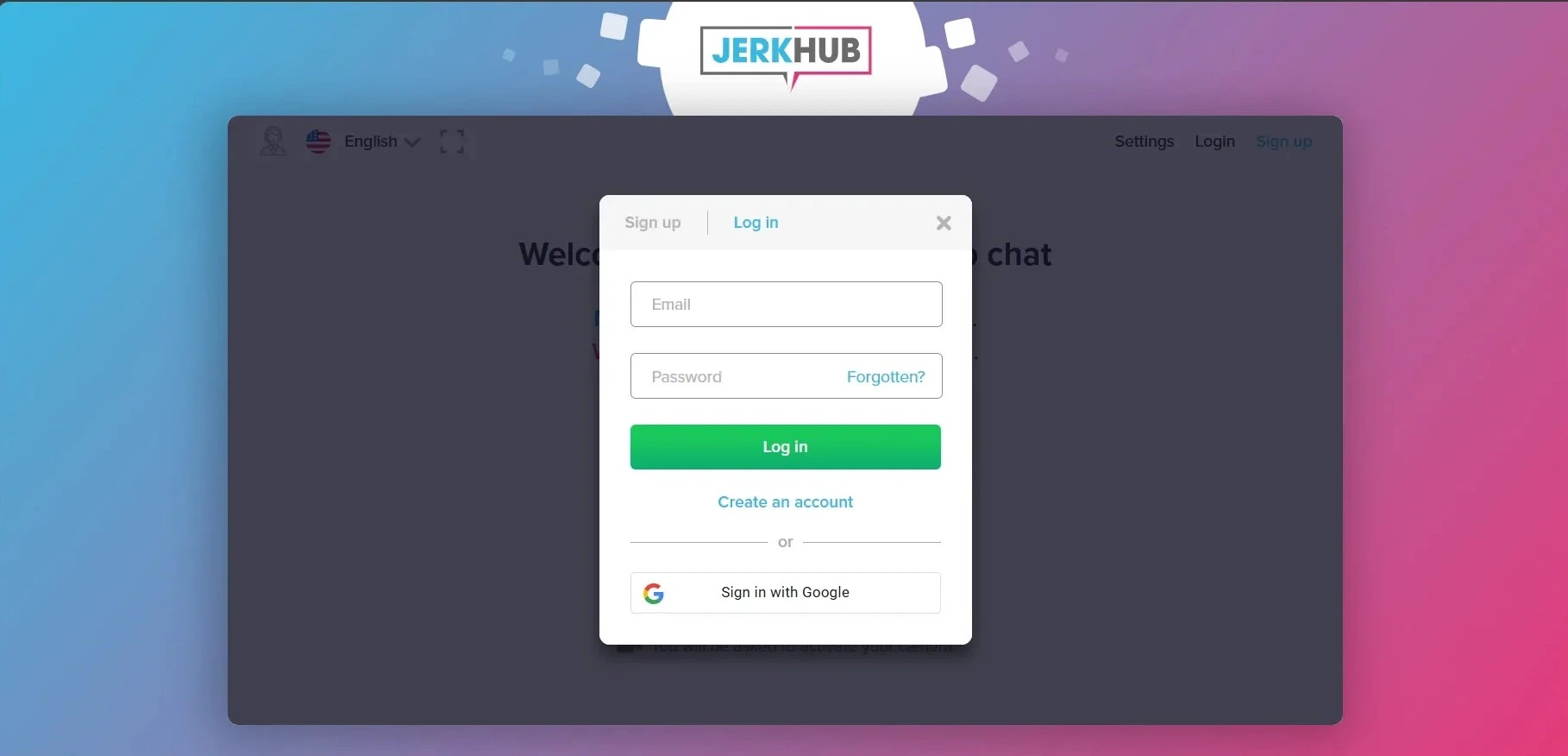
After accessing the JerkHub login page:
- Type in your registered email address in the first box.
- Type in your password in the second box.
- Check your entries for any typos.
- Click on the “Log in” button to log in to your account.
If everything is correct, you will be taken to your dashboard right away. If there is an error message from the system, check your entries and try again.
Your JerkHub account login details will only work if:
- Your email address is confirmed.
- Your password is correct.
- Your account is not suspended.
If you want, you can also use the “Sign in with Google” feature.
Age Verification
All users are required to complete an age verification process before accessing the platform. This step is quick and straightforward and can be completed using Face ID technology or by submitting a valid government-issued ID. The verification is used strictly to confirm that the user is 18 years of age or older. Once the age check is completed, the submitted information is securely processed and then deleted, it is not stored or reused. This process helps prevent scam accounts and ensures that no individuals under the age of 18 are able to access the platform.
JerkHub Login Issues and How to Fix Them
Users occasionally report that they can’t log in to JerkHub. Most problems are related to passwords, browser settings, or account restrictions. This section covers login problems and troubleshooting steps.
Forgot Password – How to Reset It
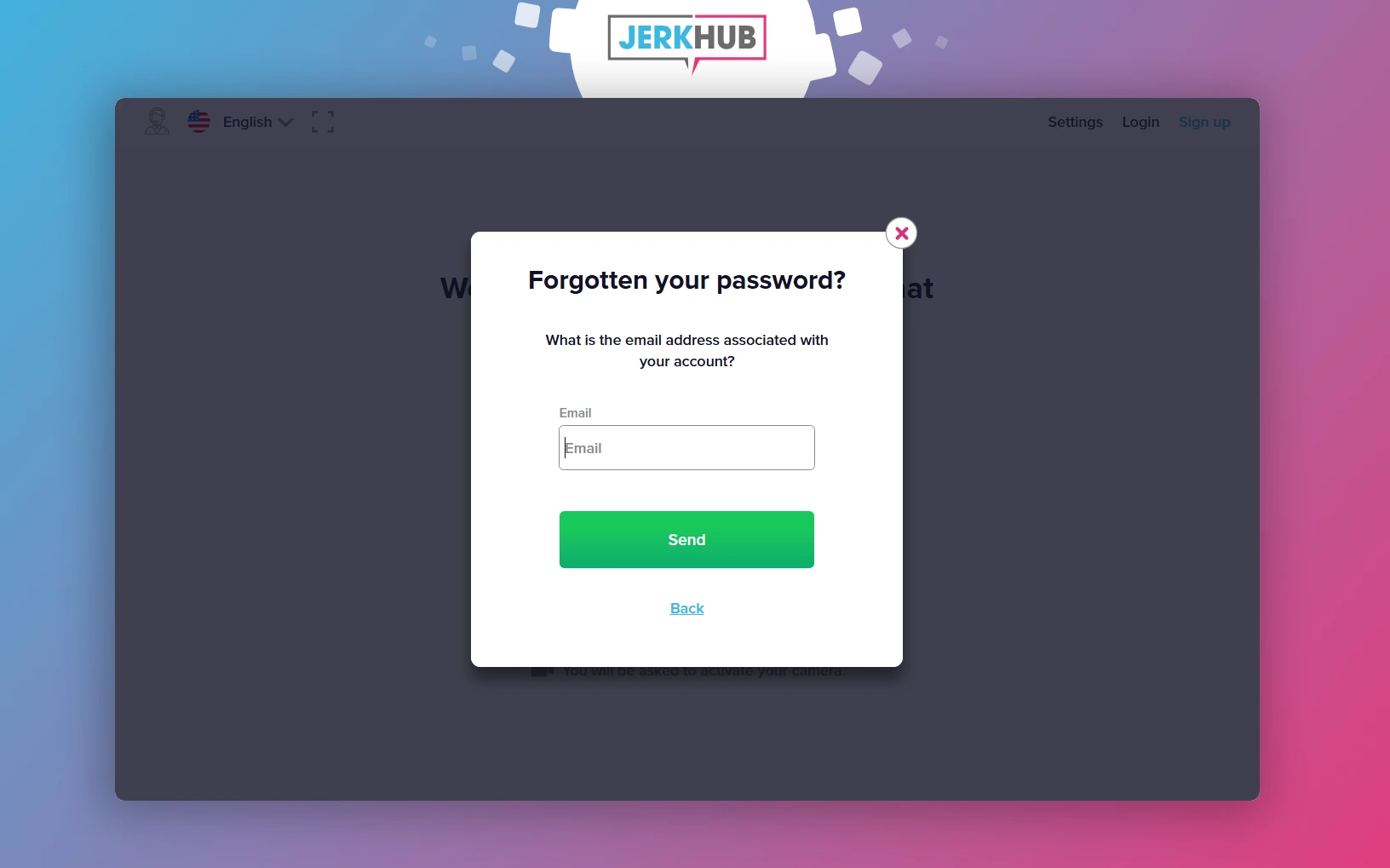
If you forgot your JerkHub password, use this reset option:
- Go to the JerkHub login page.
- Click “Forgotten?”
- Enter your registered email address.
- Submit the request.
- Check your email for a reset link.
- Create a new password.
When choosing a new password:
- Use at least 8 characters.
- Combine letters, numbers, and symbols.
- Avoid using easily guessed words.
If you do not receive the reset email, verify that you entered the correct address.
Account Locked or Suspended
If your JerkHub account login attempt fails due to a locked or suspended account, possible reasons include:
- Multiple incorrect login attempts.
- Violation of platform policies.
- Security-related concerns.
In this situation:
- Wait 15–30 minutes before trying again.
- Clear your browser cache.
- If you need further assistance, reach support directly by email at hello@jerkhub.com.
Account recovery may require identity or email verification.
Login Page Not Loading
If the JerkHub login page does not load properly:
- Refresh the page.
- Clear your browser cache and cookies.
- Disable browser extensions temporarily.
- Try another browser.
- Restart your device.
- Check your internet connection.
If the issue continues, the website may be undergoing temporary maintenance. Wait and try again later.
Is JerkHub Safe to Use?
Security during the JerkHub login process depends largely on user behavior and secure browsing practices.
Account Security and Privacy Tips
To protect your JerkHub account access:
- Use a strong, unique password.
- Do not share your login credentials.
- Log out when using shared devices.
- Avoid logging in on public Wi-Fi networks.
- Enable any available security features.
Always verify that you are entering your information on the official site. This reduces the risk of phishing attempts.
Frequently Asked Questions About JerkHub Login
No. You have to create an account before accessing the platform’s features. Completing the sign up process allows secure login and enables account recovery if needed. Without registration, account access is not available.
If you can’t log in to JerkHub, the most common reasons are incorrect login credentials, an unverified email address, or a temporarily locked account. Double-check your email and password. If necessary, use the password reset option.
Registration on JerkHub is free. However, video chatting requires purchasing minutes or credits. There is no subscription and no recurring billing.
Go to the login page and select “Forgotten?” in the password field. Enter your registered email and follow the reset instructions.
Clear your browser cache, check your internet connection, and verify your login credentials. If the issue continues, try another browser or contact support.
Discover related articles